002 - Scan in Ubuntu using Tenable Nessus
Cybersecurity Coaches: Jeremiah Batac and Ray Caparros
After completing the Windows XP scan, I was tasked to perform the same vulnerability scanning process on a Linux machine. For the target, I used Ubuntu and ran it as a virtual machine through VMware Workstation too.
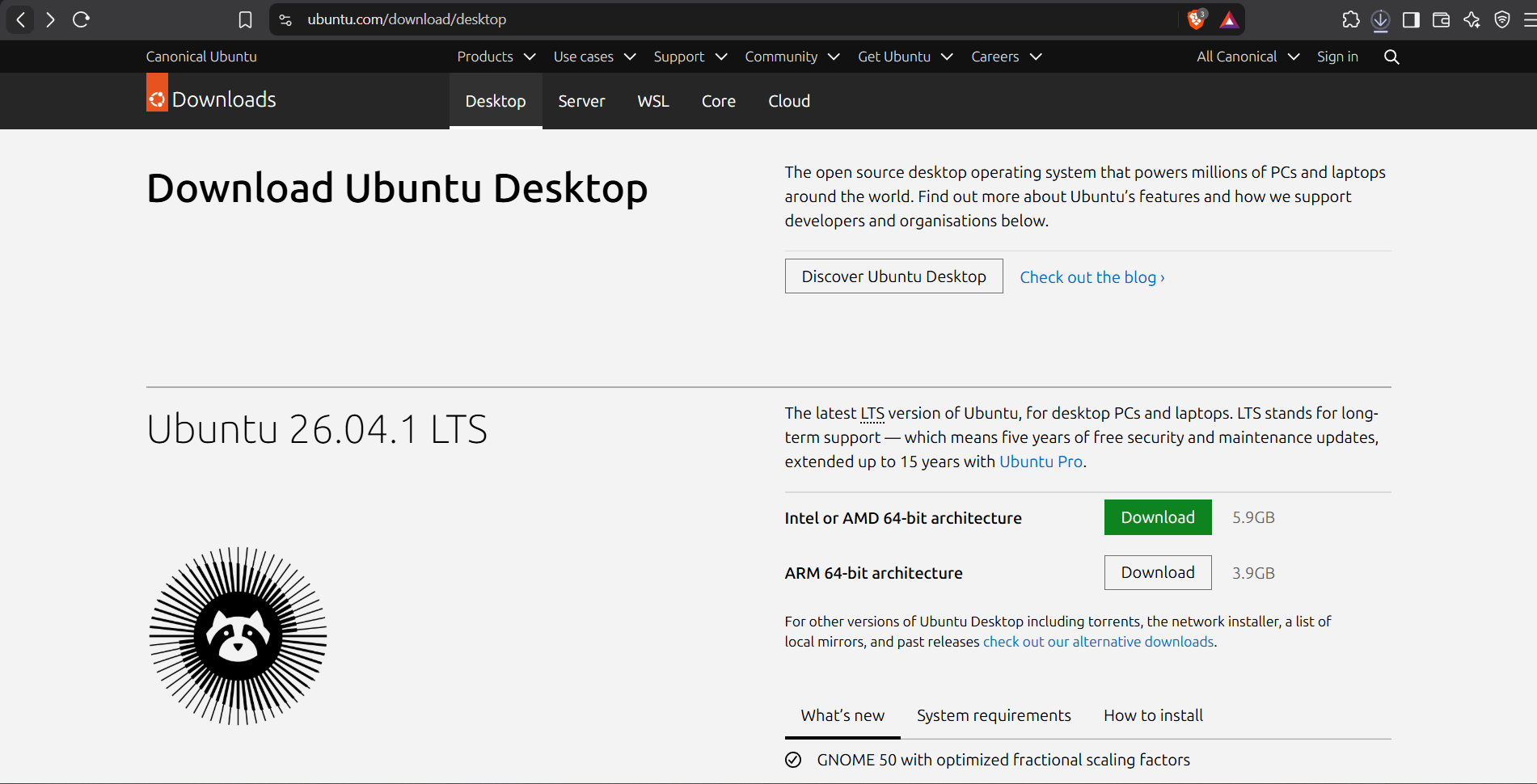
I downloaded the Ubuntu ISO from the official Ubuntu website:
https://ubuntu.com/download/desktop
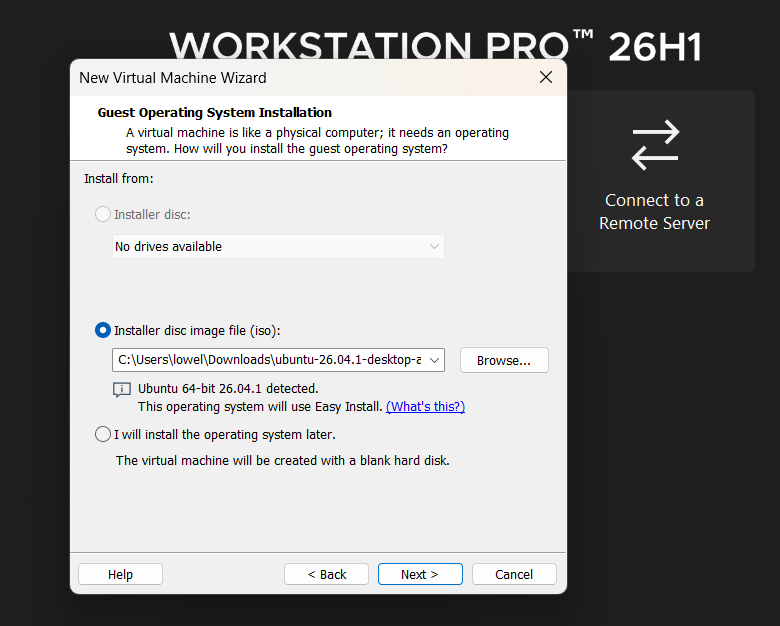
After downloading the ISO file, I opened VMware Workstation and created a new virtual machine. I selected the Ubuntu ISO as the installation media and started the VM.
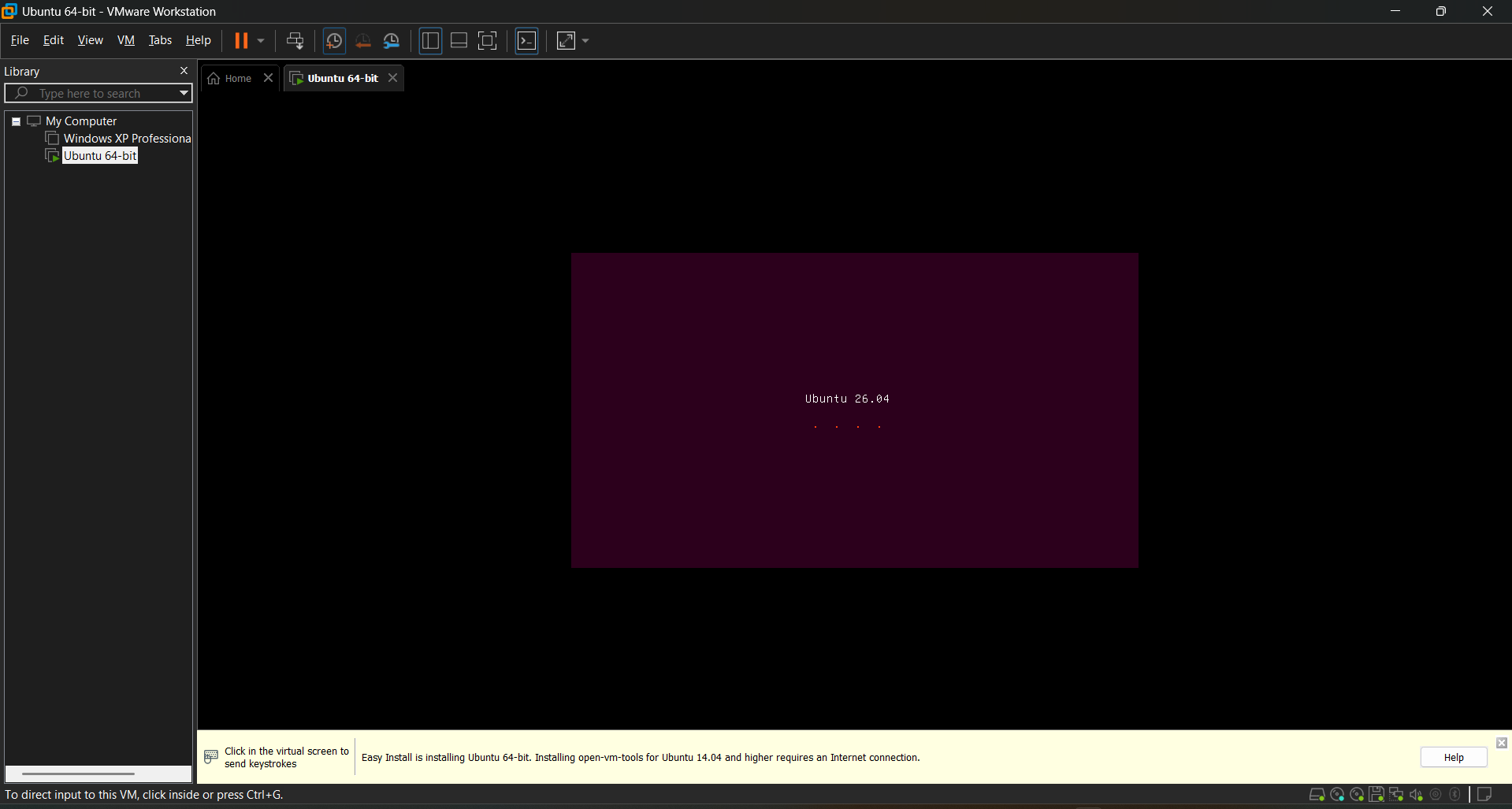
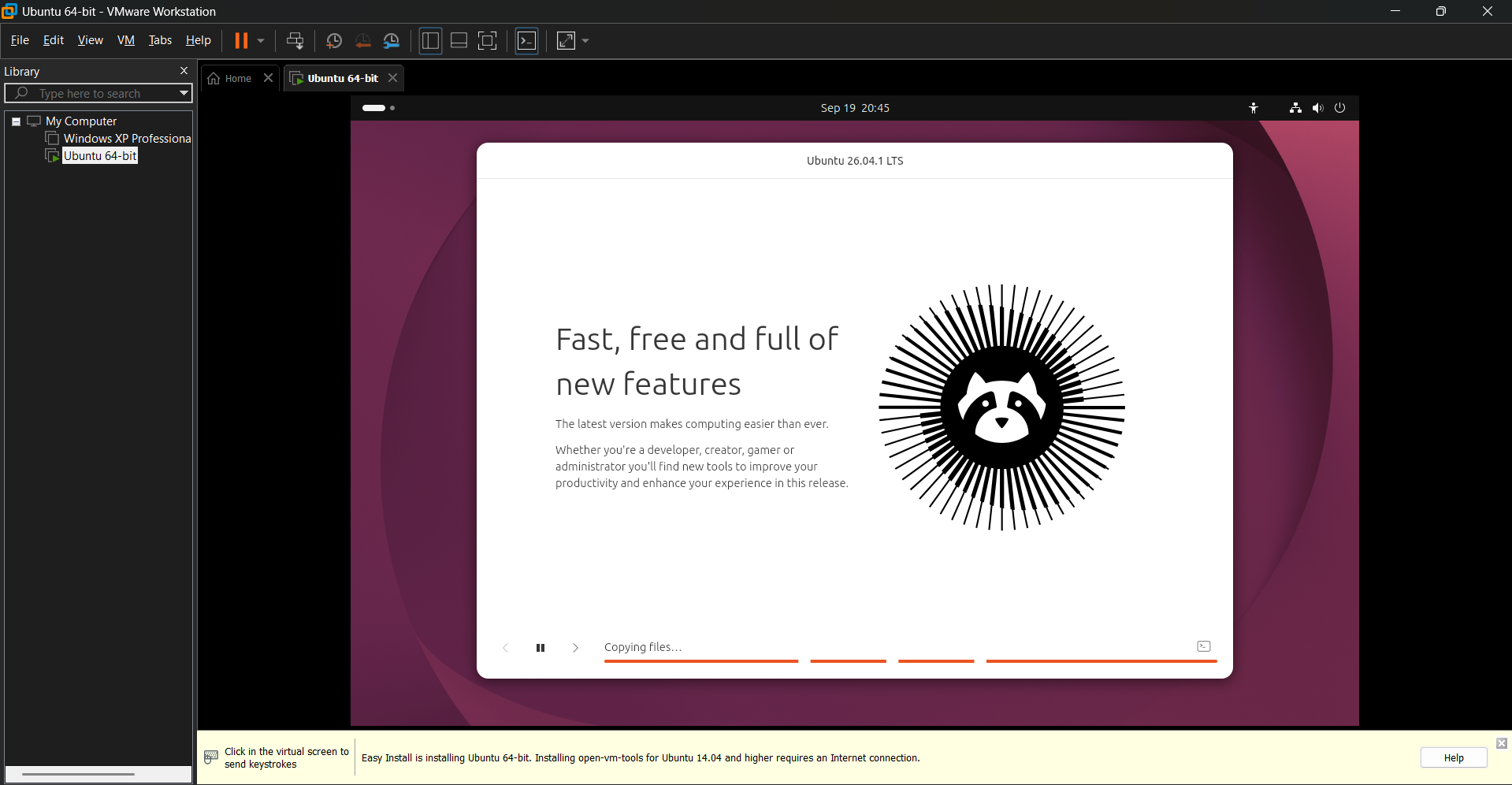
I waited for the installation process to finish and followed the Ubuntu setup instructions.
After a few minutes, the installation was completed and I was able to boot into the Ubuntu desktop.
Once Ubuntu was running, I opened the Terminal and entered "ip addr"
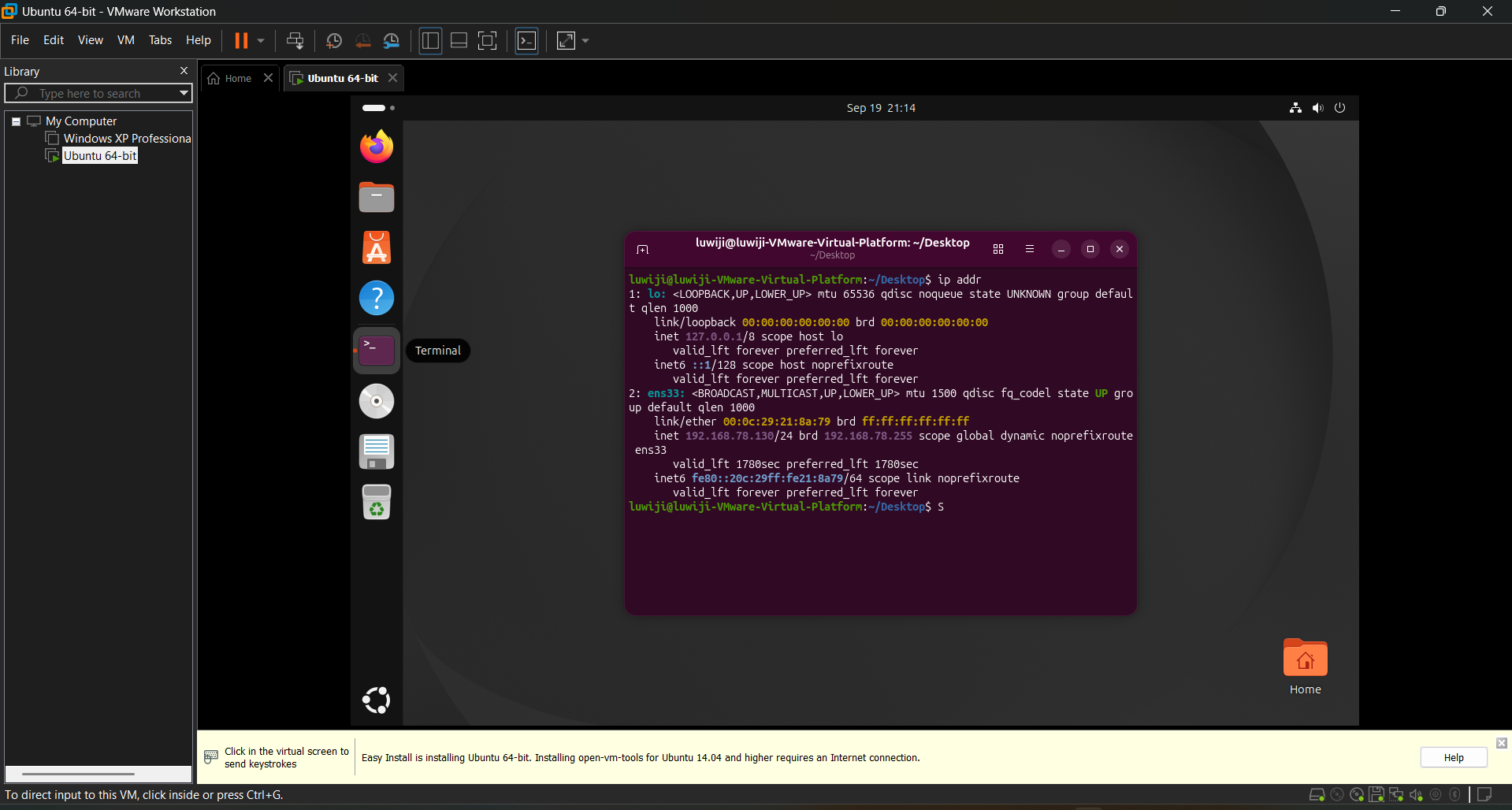
The Ubuntu machine was assigned with an IP Address of 192.168.78.130/24
Since I was using VMware's Host-only network, I wanted to make sure that the Ubuntu machine was on the same subnet as my Windows computer which is running the Nessus.
I entered "ipconfig" on my Windows terminal and get these important details:
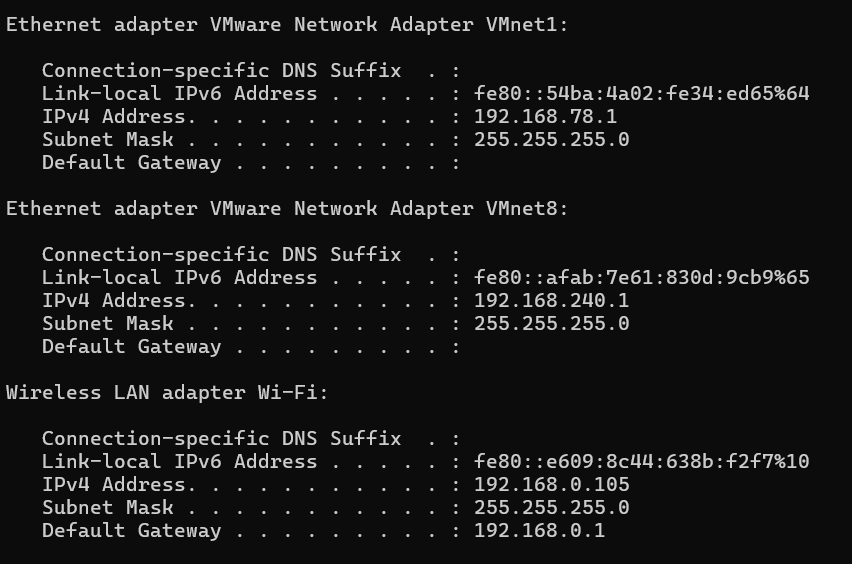
So, my Windows host's VMware Host-only adapter has the following configuration:
- Host IP:
192.168.78.1 - Subnet Mask:
255.255.255.0 - Network:
192.168.78.0/24
While the Ubuntu VM has:
- IP:
192.168.78.130 - Subnet:
/24or255.255.255.0 - Network:
192.168.78.0/24
Before running Nessus, I wanted to make sure that my Windows computer could actually communicate with the Ubuntu machine.
From Windows Command Prompt, I ran:
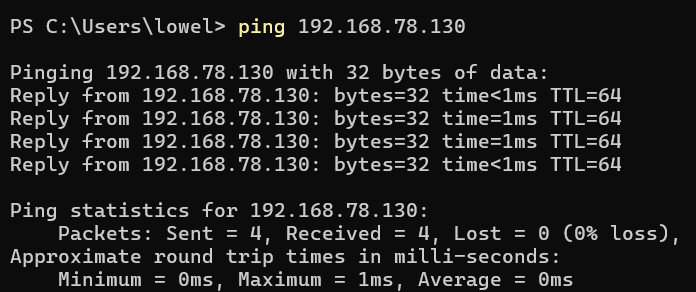
This confirmed that my Windows host could successfully communicate with the Ubuntu VM through the VMware Host-only network.
After confirming the connectivity, I opened Tenable Nessus and created a Basic Network Scan targeting the Ubuntu VM at "192.168.78.130"
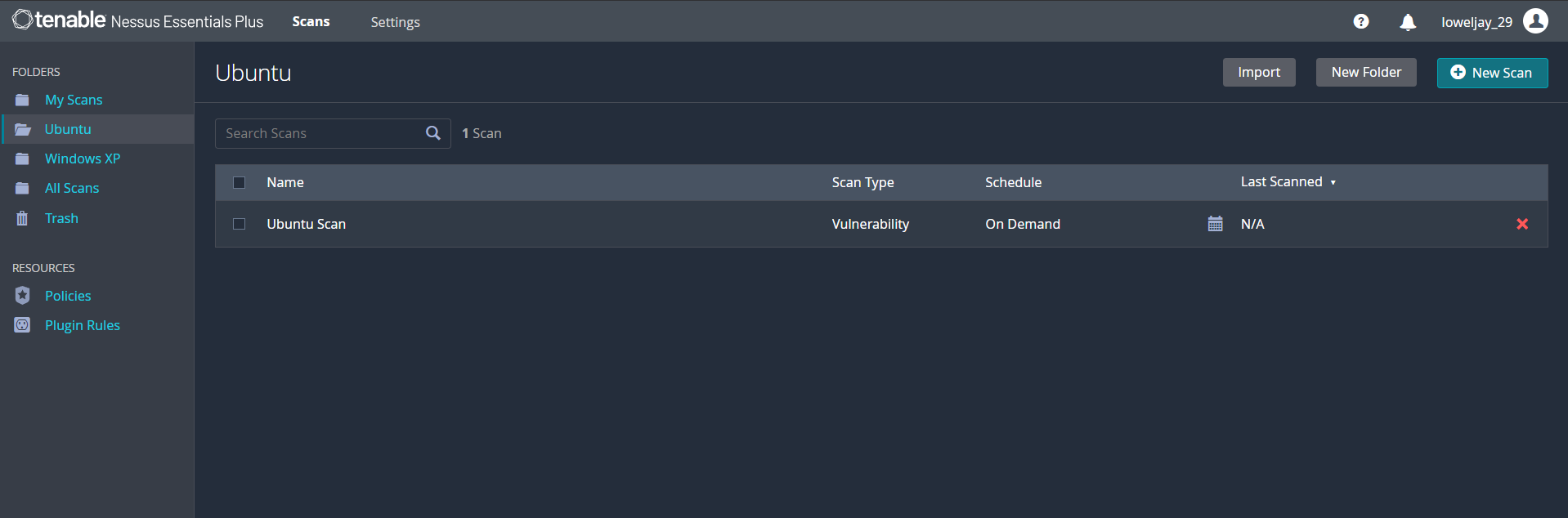
Here are the results I've found:
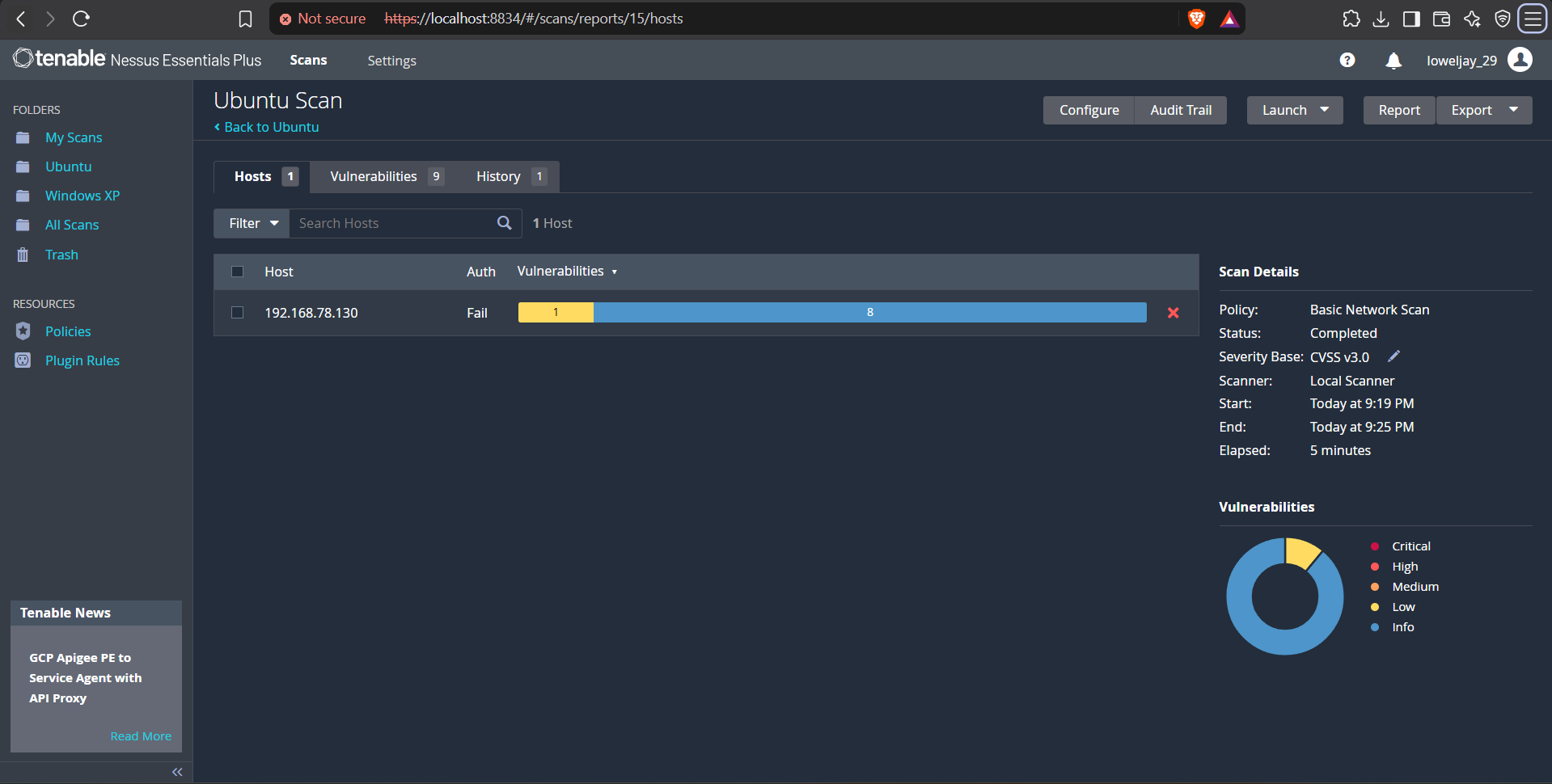
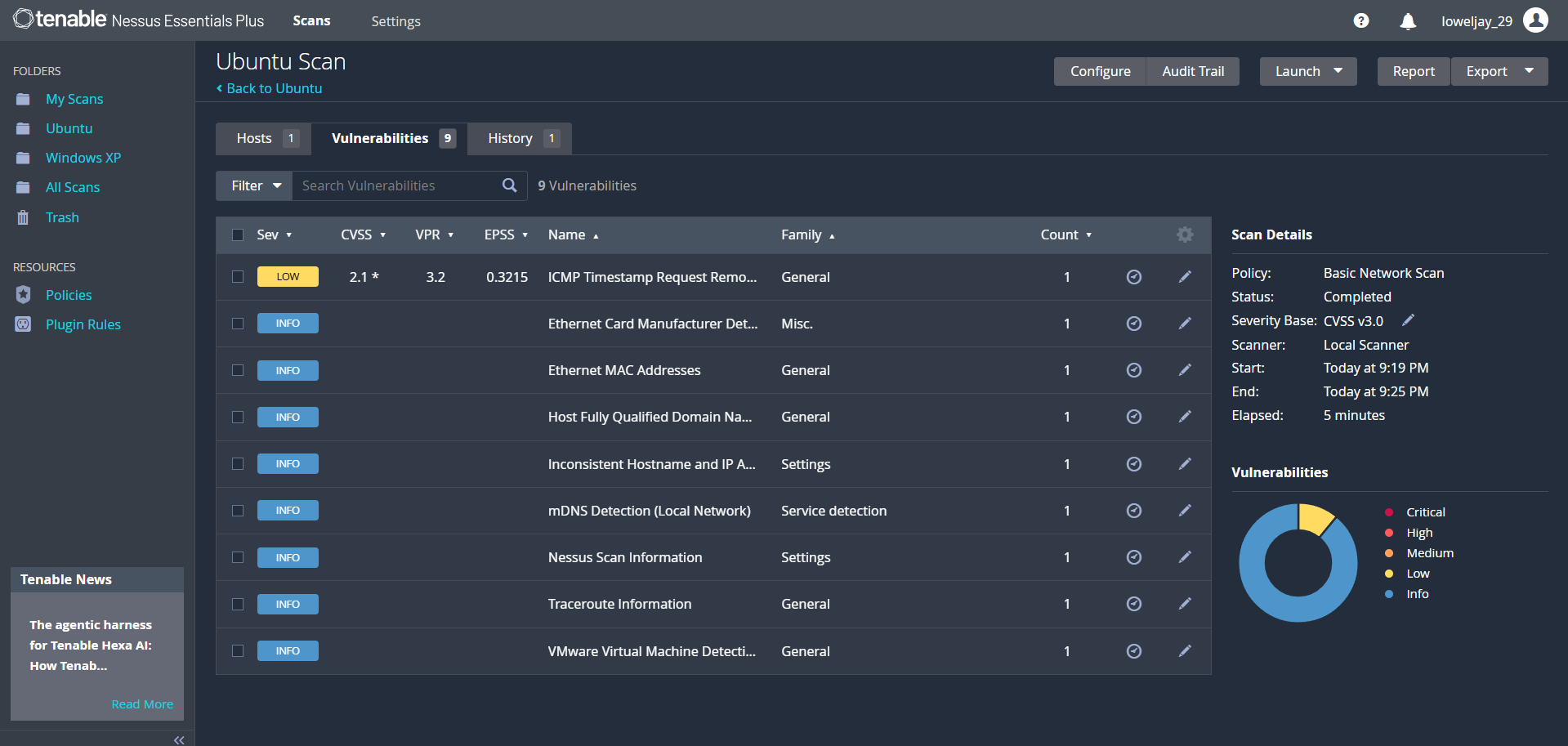
Nessus identified 9 findings in total. These consisted of:
- 1 Low-severity finding
- 8 Informational findings
- 0 Medium
- 0 High
- 0 Critical
The Low-severity finding was ICMP Timestamp Request Remote Date Disclosure
It had a CVSS v3.0 score of 2.1.
The other eight findings were classified as Informational. These included information about the network interface, MAC address, hostname, mDNS, traceroute, Nessus scan information, and the fact that the machine was running as a VMware virtual machine. Also, the authentication of the scan results was "Fail"
Conclusion
This was my first time performing a Nessus assessment against a Linux machine, and the process was similar to what I did with the Windows XP machine.
The main difference I noticed was the type and amount of information returned by Nessus. Instead of immediately seeing many vulnerabilities, most of the findings on Ubuntu were informational, with only one Low-severity finding being reported.
I also learned that successfully running a vulnerability scanner is only the first part of the assessment. I still need to understand what each finding actually means, how Nessus detected it, how to verify it from the target machine, and what can be done to remediate it.